




WordPress SEO Plugins: Rank Math, Yoast and Other Free Picks
If your business website runs on WordPress, an SEO plugin is one of the first things to install. It adds the settings WordPress leaves to plugins: a page title and meta description for every page, a sitemap for Google and structured data. This guide compares the WordPress SEO plugins we see most often on client websites, and explains how to choose one.

The main WordPress SEO plugins are Rank Math, Yoast SEO, All in One SEO, SEOPress and The SEO Framework, and each has a free version on WordPress.org. Rank Math, Yoast SEO, All in One SEO and SEOPress all list an XML sitemap among their features. Add Google’s own Site Kit plugin to see Search Console and Analytics data inside WordPress, and run one SEO plugin at a time.
What WordPress SEO Plugins Do
WordPress gives every page a title and a web address, and leaves the finer SEO settings to plugins. WordPress SEO plugins add a box under each page where you set the title Google shows, the meta description under it and the main search phrase the page targets. They also build an XML sitemap, a file that lists your pages for search engines.
Most of them also add structured data, the code that describes your business and each page to Google, and score each page against a checklist as you write. If the terms are new to you, our guide on what SEO is explains how these settings fit together.
Rank Math: The Plugin We Use on Our Own Site
Rank Math describes itself as a set of tools to optimise content, add schema markup (the structured data described above), suggest internal links, target keywords and run SEO checks. Its plugin page lists a redirection manager, a 404 monitor for broken links, Search Console and Analytics integration, and one-click import from Yoast, All in One SEO and SEOPress.
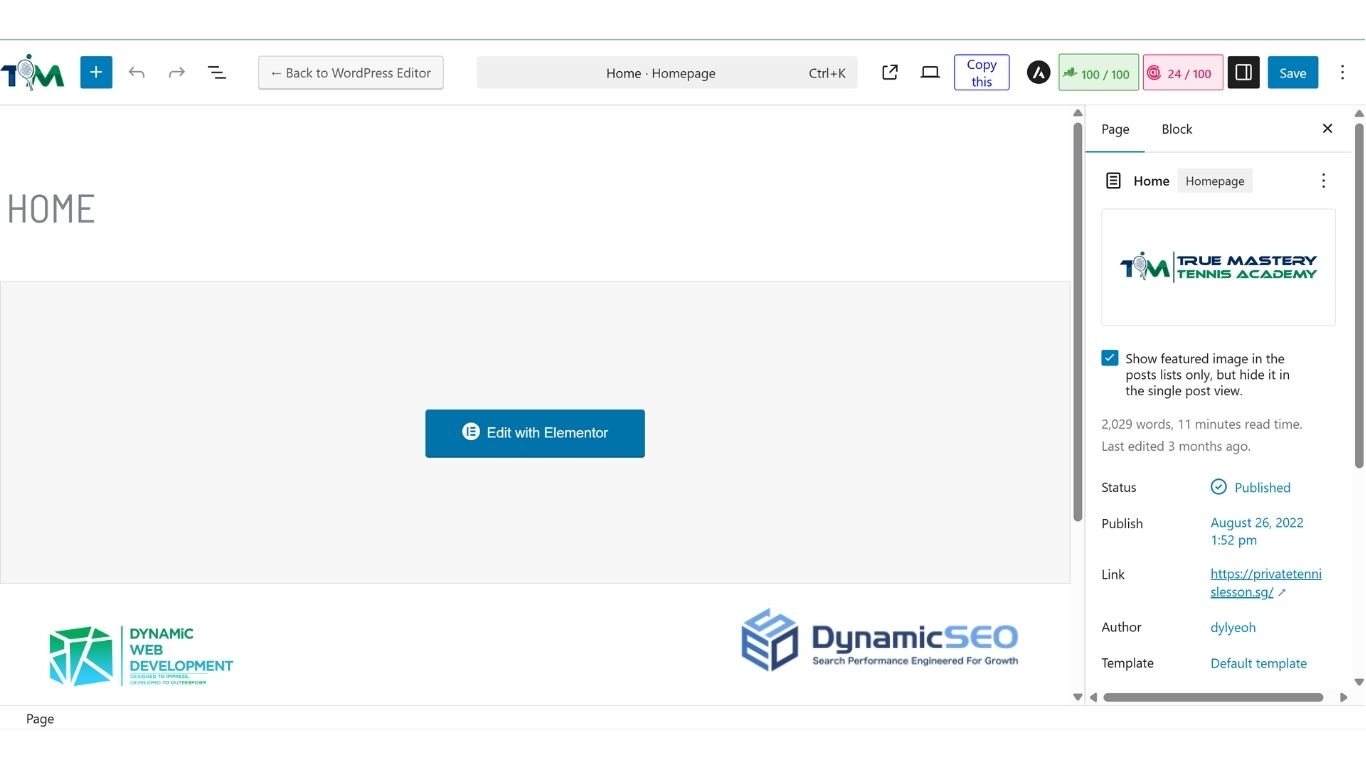
We use Rank Math on our own website, alongside the Elementor page builder. Its content score updates as you write, which makes it easy for a small team to check each page before publishing.
Yoast SEO and All in One SEO
Yoast SEO has been helping site owners since 2008. Its free version gives real-time SEO guidance and a readability analysis as you write, builds XML sitemaps and lets you control breadcrumbs, the trail of links that shows where a page sits on your site. A paid Premium version adds more advanced and AI-powered features.
All in One SEO was founded in 2007. It scores each page with its TruSEO content analysis, which checks on-page SEO and readability. Its free version covers SEO titles and meta descriptions, an XML sitemap, schema markup (structured data for Google) and Search Console integration.
SEOPress and The SEO Framework
SEOPress has been available since 2017 and describes itself as privacy-first. Its SEO panel works across page builders, including Gutenberg, Elementor and Divi, and its features list XML sitemaps, schema, redirections and breadcrumbs.
The SEO Framework takes a lighter approach. It automatically generates titles and descriptions according to Google’s guidelines, and describes itself as ad-free and unrestricted. It suits owners who would rather set things once and leave them.
Site Kit by Google for Search Console and Analytics

Site Kit is the official WordPress plugin from Google, and it is free. It brings Search Console, Google Analytics and PageSpeed Insights into your WordPress dashboard, so you can see which searches find your pages and how fast they load from the same screen.
Site Kit sits alongside an SEO plugin rather than replacing one. Our guide to the best SEO tools explains what each of those Google reports shows and how often to check them.
How to Choose Between WordPress SEO Plugins
Pick the one your team will actually use. Rank Math and Yoast SEO suit owners who like a score to work towards on every page. All in One SEO and SEOPress suit sites that want many features in one place, and The SEO Framework suits a site that should run quietly in the background.
Run one SEO plugin at a time. Two plugins would each write their own titles, descriptions and sitemaps, which leaves duplicate tags on every page. When you switch, use the new plugin’s import tool so your existing titles and descriptions carry across.
Where a Plugin Stops and SEO Work Starts
A plugin sets the fields, and the results come from what goes into them: the right keyword for each page, copy that answers the search, a fast site and links from other websites. Our technical SEO services cover the site itself, and our on-page SEO work sets each page’s title, headings and copy.
If you would like a second pair of eyes on your WordPress site, our SEO consultant service starts with a free SEO audit of your website. We are based at Sin Ming Lane, near Bishan, and work with businesses across Singapore.
Frequently Asked Questions

Do SEO plugins work with Elementor?
Yes. SEOPress lists Elementor, Divi and other page builders among those its SEO panel supports, and we run Rank Math with Elementor on our own website, where pages keep their Elementor layout.
What does Yoast SEO Premium add?
Yoast says its Premium version outputs significantly more schema types than the free plugin, including signals about a writer's experience and expertise, along with more AI-powered tools. The free version covers the core settings most business sites need.
How long does an SEO plugin take to set up?
Rank Math includes a simple setup wizard with a one-click importer, so the main settings on a small business website can usually be finished in one sitting. Page-by-page titles and descriptions then follow as each page is reviewed.
Do SEO plugins help with AI search?
Several now add AI features. Rank Math lists an AI Visibility score for monitoring your brand across AI search, and Yoast says its plugin helps search engines and AI systems understand your content.
Grow Your Online Presence With SEO Built for Long-Term Results

Partners in Success, Stronger Together